位置控制示例
使用 SimpleFOCMini
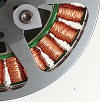
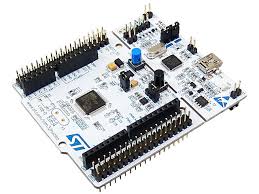
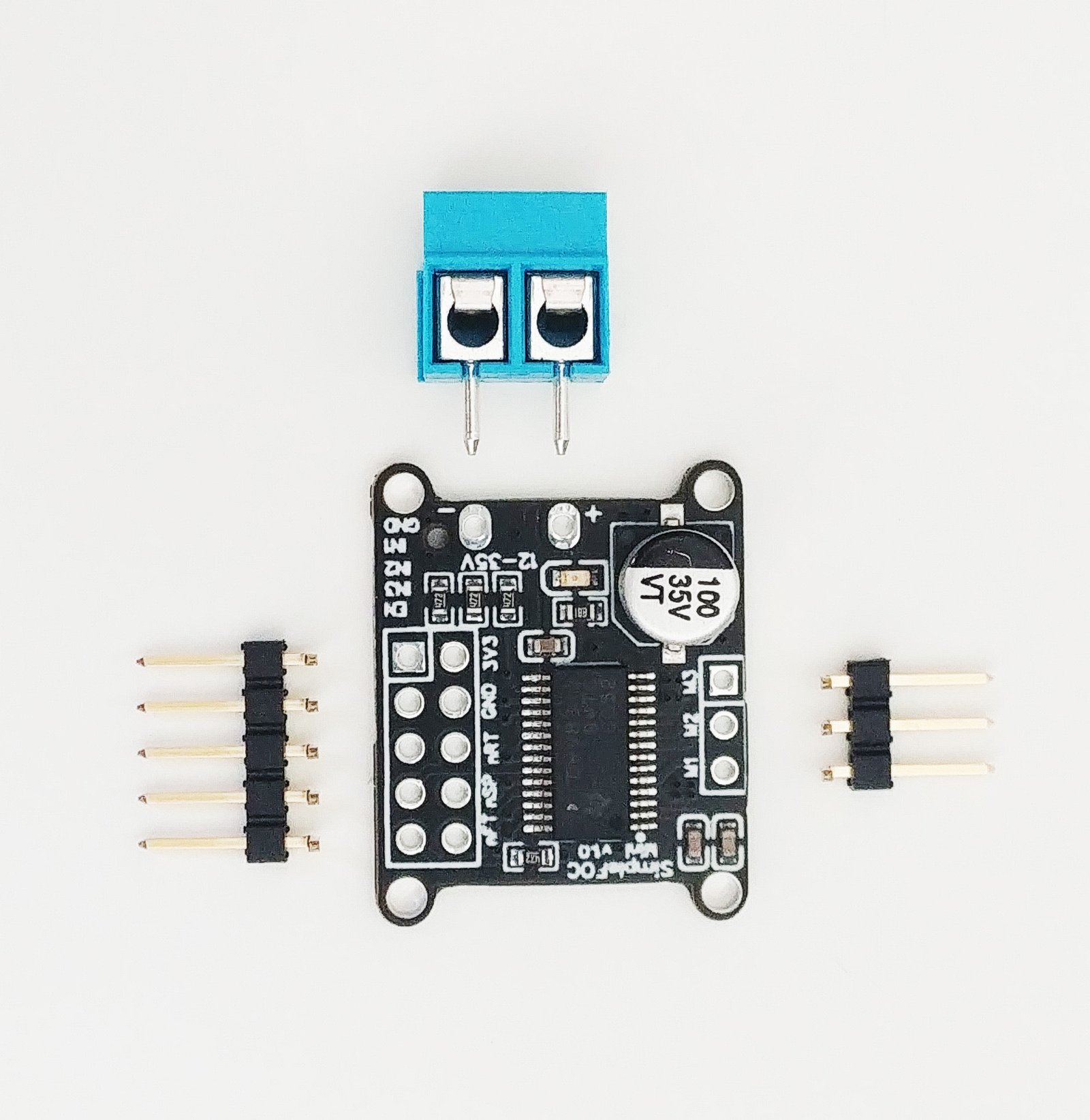
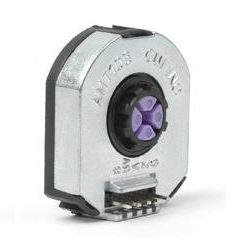
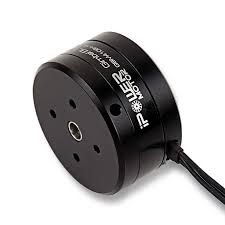
在这个无刷电机位置控制示例中,我们将使用以下硬件:
连接所有设备

有关 SimpleFOCMini 的更多信息,请查看 文档。目前,有两个版本的 SimpleFOCMini 开发板可用:v1.0 和 v1.1。两个版本之间的主要区别在于引脚的顺序。此示例可用于两个版本的开发板,但引脚分配略有不同。
选择您的 SimpleFOCMini 版本:
SimpleFOCMini V1.0 SimpleFOCMini V1.1


编码器
- 通道
A和B连接到 Arduino UNO 的引脚2和3。
电机
- 电机相
a、b和c直接连接到 SimpleFOCMini 开发板的电机端子连接器M1、M2和M3。
SimpleFOCMini
SimpleFOCMini V1.0 SimpleFOCMini V1.1
- 将 SimpleFOCMini 开发板连接到 Nucleo 开发板最方便的方法是将其堆叠在引脚
10-13上。GND-GNDIN1-13IN2-12IN3-11EN-10
Arduino 代码
让我们浏览一下这个示例的完整代码并一起编写它。 首先,您需要包含 SimpleFOC 库:
#include <SimpleFOC.h>
确保您已安装该库。如果还没有安装,请查看 入门页面
编码器代码
首先,我们定义 Encoder 类,包含 A 和 B 通道引脚以及每转的脉冲数。
// define Encoder
Encoder encoder = Encoder(2, 3, 2048);
然后,我们定义缓冲回调函数。
// channel A and B callbacks
void doA(){encoder.handleA();}
void doB(){encoder.handleB();}
在 setup() 函数中,我们初始化编码器并启用中断:
// initialize encoder hardware
encoder.init();
// hardware interrupt enable
encoder.enableInterrupts(doA, doB);
就是这样,让我们设置电机。
有关编码器的更多配置参数,请查看 Encoder 类的 文档。电机代码
SimpleFOCMini V1.0 SimpleFOCMini V1.1
首先,我们需要定义 BLDCMotor 类,包含极对数(11)
// define BLDC motor
BLDCMotor motor = BLDCMotor(11);
如果您不确定极对数是多少,请查看 find_pole_pairs.ino 示例。接下来,我们需要定义 BLDCDriver3PWM 类,包含电机的 PWM 引脚号和驱动器使能引脚
// define BLDC driver
BLDCDriver3PWM driver = BLDCDriver3PWM(13, 12, 11, 10);
然后在 setup() 中,如果电源电压不是 12 伏,我们首先配置电源电压并初始化驱动器。
// power supply voltage
// default 12V
driver.voltage_power_supply = 12;
driver.init();
然后,我们通过指定 motor.controller 变量来告诉电机运行哪个控制环路。
// set control loop type to be used
// MotionControlType::torque
// MotionControlType::velocity
// MotionControlType::angle
motor.controller = MotionControlType::angle;
现在我们配置速度 PI 控制器参数
// velocity PI controller parameters
// default P=0.5 I = 10
motor.PID_velocity.P = 0.2;
motor.PID_velocity.I = 20;

//default voltage_power_supply
motor.voltage_limit = 6;
此外,我们可以配置低通滤波器时间常数 Tf
// velocity low pass filtering
// default 5ms - try different values to see what is the best.
// the lower the less filtered
motor.LPF_velocity.Tf = 0.02;
最后,我们配置位置 P 控制器增益和速度限制变量。
// angle P controller
// default P=20
motor.P_angle.P = 20;
//  maximal velocity of the position control
// default 20
motor.velocity_limit = 4;
有关角度控制环路参数的更多信息,请查看 文档。
接下来,我们将编码器和驱动器连接到电机,进行硬件初始化和磁场定向控制的初始化。
// link the motor to the sensor
motor.linkSensor(&encoder);
// link the motor to the driver
motor.linkDriver(&driver);

// initialize motor
motor.init();
// align encoder and start FOC
motor.initFOC();
电机代码中最后一个重要的部分当然是 loop 函数中的 FOC 程序。
void loop() {
// iterative FOC function
motor.loopFOC();

// iterative function setting and calculating the angle/position loop
// this function can be run at much lower frequency than loopFOC function
motor.move();
}
就是这样,现在让我们看看完整的代码!
有关更多配置参数和控制环路,请查看 BLDCMotor 类的 文档。完整的 Arduino 代码
在完整代码中,我添加了一个小型串行 命令器接口,以便能够实时更改位置/角度目标值。
SimpleFOCMini V1.0 SimpleFOCMini V1.1
#include <SimpleFOC.h>

// init BLDC motor
BLDCMotor motor = BLDCMotor( 11 );
// init driver
BLDCDriver3PWM driver = BLDCDriver3PWM(13, 12, 11, 10);
//  init encoder
Encoder encoder = Encoder(2, 3, 2048);
// channel A and B callbacks
void doA(){encoder.handleA();}
void doB(){encoder.handleB();}

// commander interface
Commander command = Commander(Serial);
void onTarget(char* cmd){ command.motion(&motor, cmd); }

void setup() {

  // initialize encoder hardware
  encoder.init();
  // hardware interrupt enable
  encoder.enableInterrupts(doA, doB);
  // link the motor to the sensor
  motor.linkSensor(&encoder);

  // power supply voltage
  // default 12V
  driver.voltage_power_supply = 12;
  driver.init();
  // link the motor to the driver
  motor.linkDriver(&driver);

  // set control loop to be used
  motor.controller = MotionControlType::angle;

  // controller configuration based on the control type
  // velocity PI controller parameters
  // default P=0.5 I = 10
  motor.PID_velocity.P = 0.2;
  motor.PID_velocity.I = 20;

  //default voltage_power_supply
  motor.voltage_limit = 6;

  // velocity low pass filtering
  // default 5ms - try different values to see what is the best.
  // the lower the less filtered
  motor.LPF_velocity.Tf = 0.02;

  // angle P controller
  // default P=20
  motor.P_angle.P = 20;
  //  maximal velocity of the position control
  // default 20
  motor.velocity_limit = 4;

  // initialize motor
  motor.init();
  // align encoder and start FOC
  motor.initFOC();

  // add target command T
  command.add('T', doTarget, "motion control");

  // monitoring port
  Serial.begin(115200);
  Serial.println("Motor ready.");
  Serial.println("Set the target angle using serial terminal:");
  _delay(1000);
}

void loop() {
  // iterative FOC function
  motor.loopFOC();

  // function calculating the outer position loop and setting the target position
  motor.move();

  // commander interface with the user
  commander.run();

}